01
Identify the vehicle
Enter the VIN or add the vehicle manually. Confirm the details before continuing.
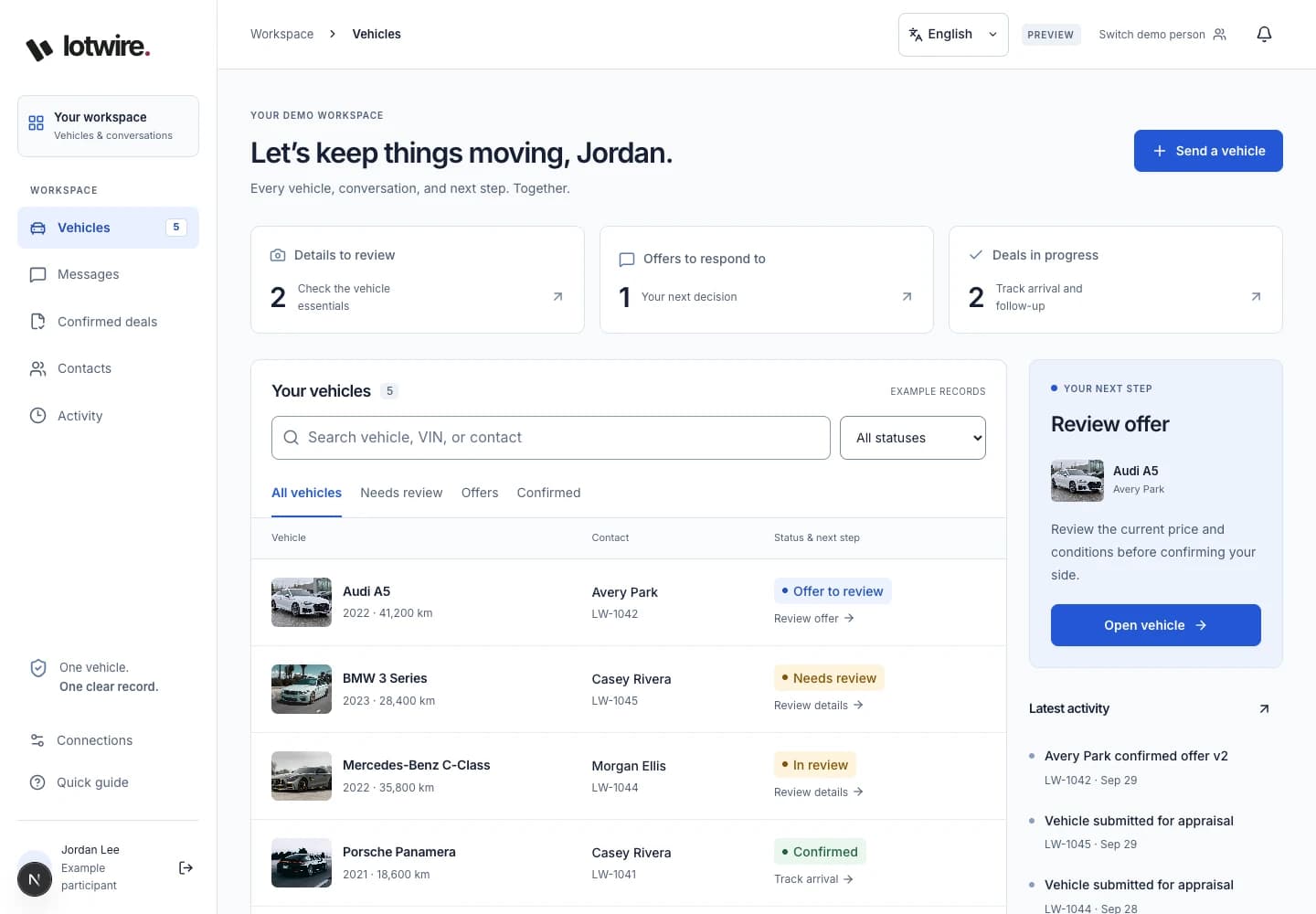
Capture vehicle details, condition, original photos, conversations, and offers in one clear record—from first appraisal to confirmed agreement.
A short, guided workflow keeps the facts together without forcing an account before you can begin.
Enter the VIN or add the vehicle manually. Confirm the details before continuing.
Answer guided condition questions and add original photos from your phone.
Review everything privately, then choose when to share, discuss an offer, and confirm the same terms.
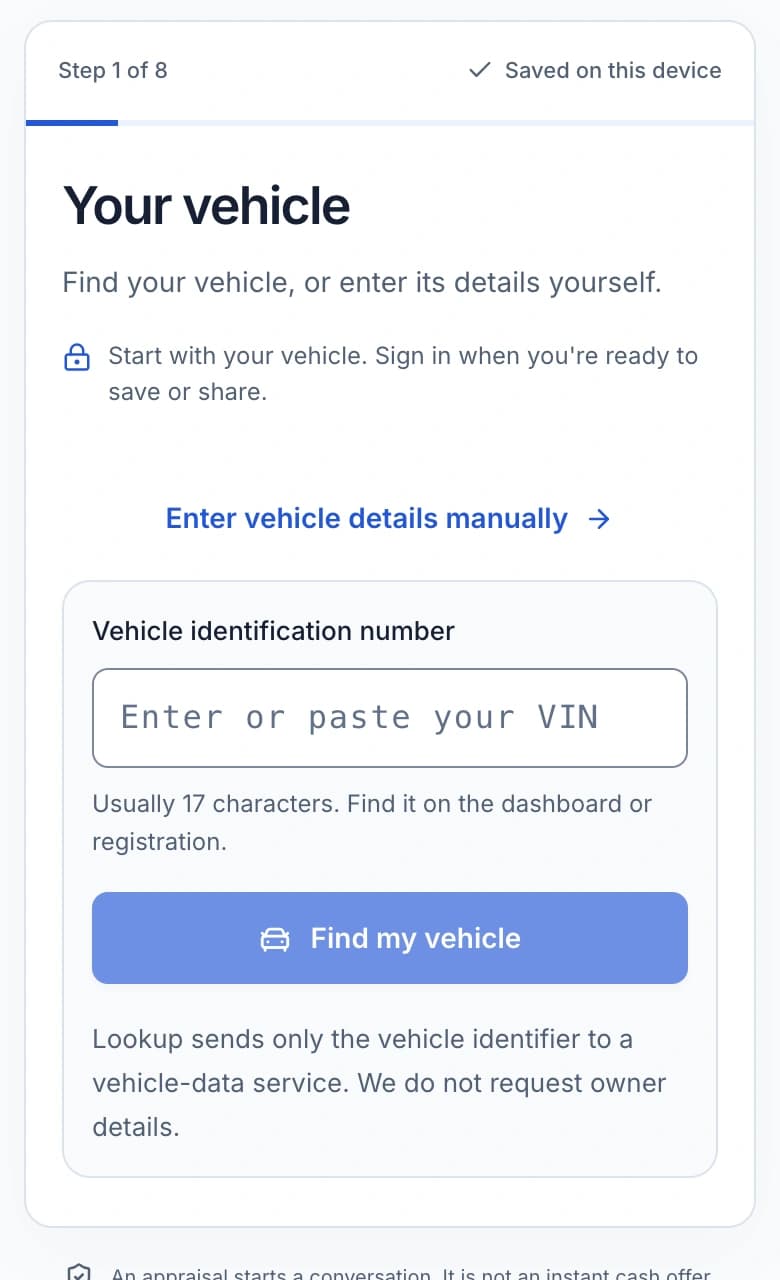
Use a VIN to find the vehicle, or switch immediately to guided year, make, and model choices. You confirm the result before it becomes part of the appraisal.
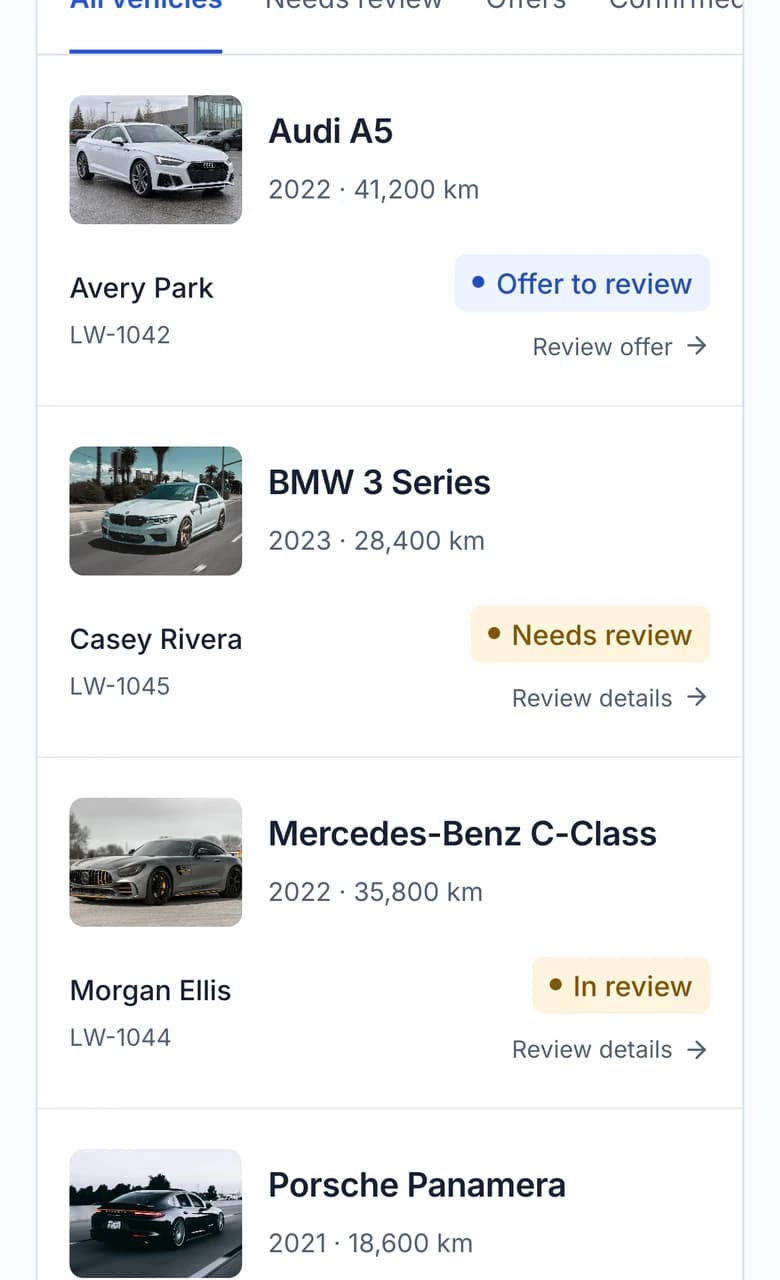
See what needs review, what needs a response, and what has already been agreed—all from one organized workspace.
Keep the vehicle facts, condition, original photos, and activity attached to the same record from appraisal through agreement.
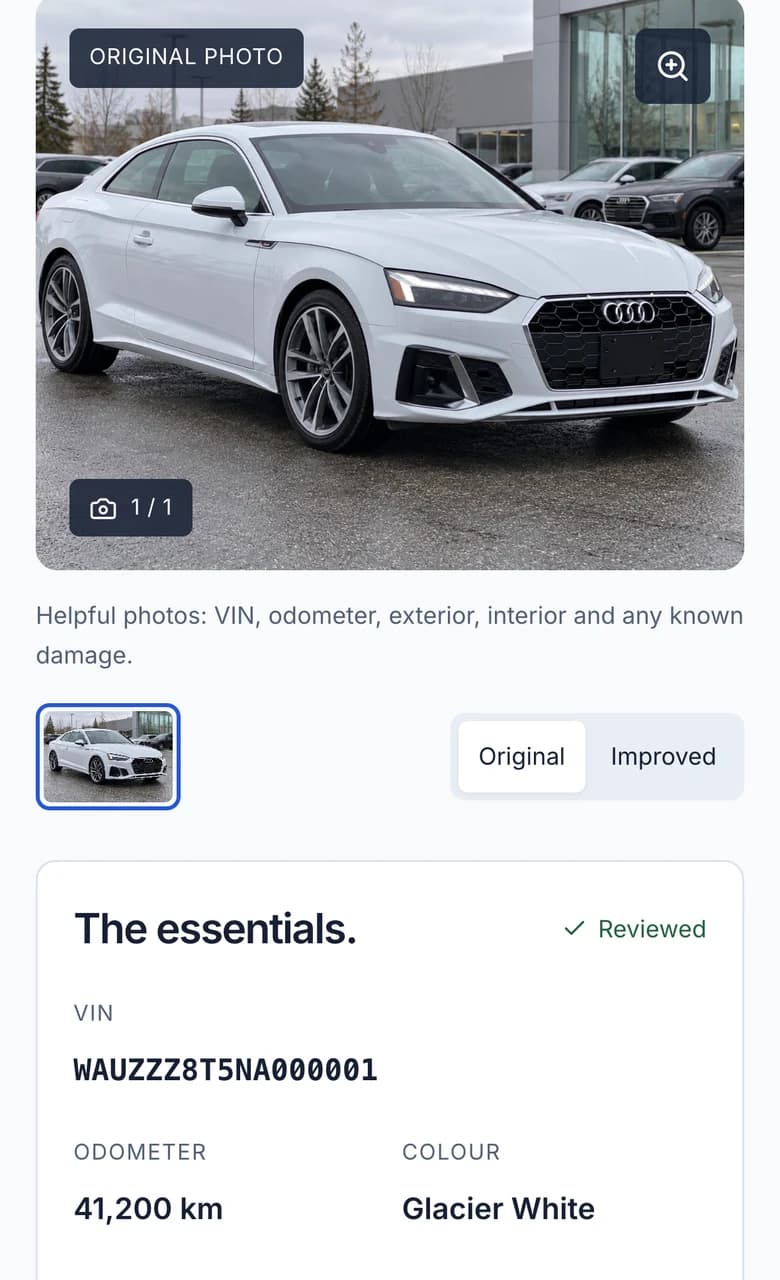
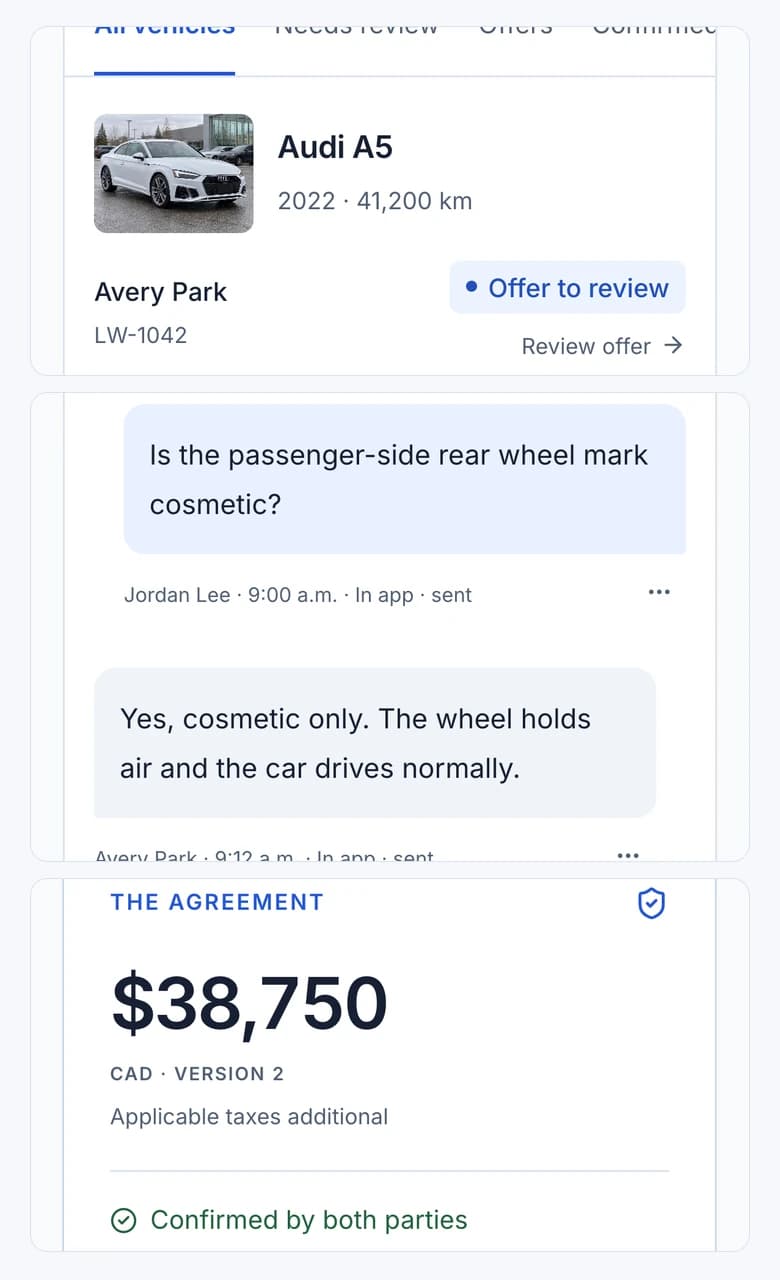
Questions, answers, photos, and updates stay beside the vehicle being discussed—so nobody has to rebuild the story from scattered messages.
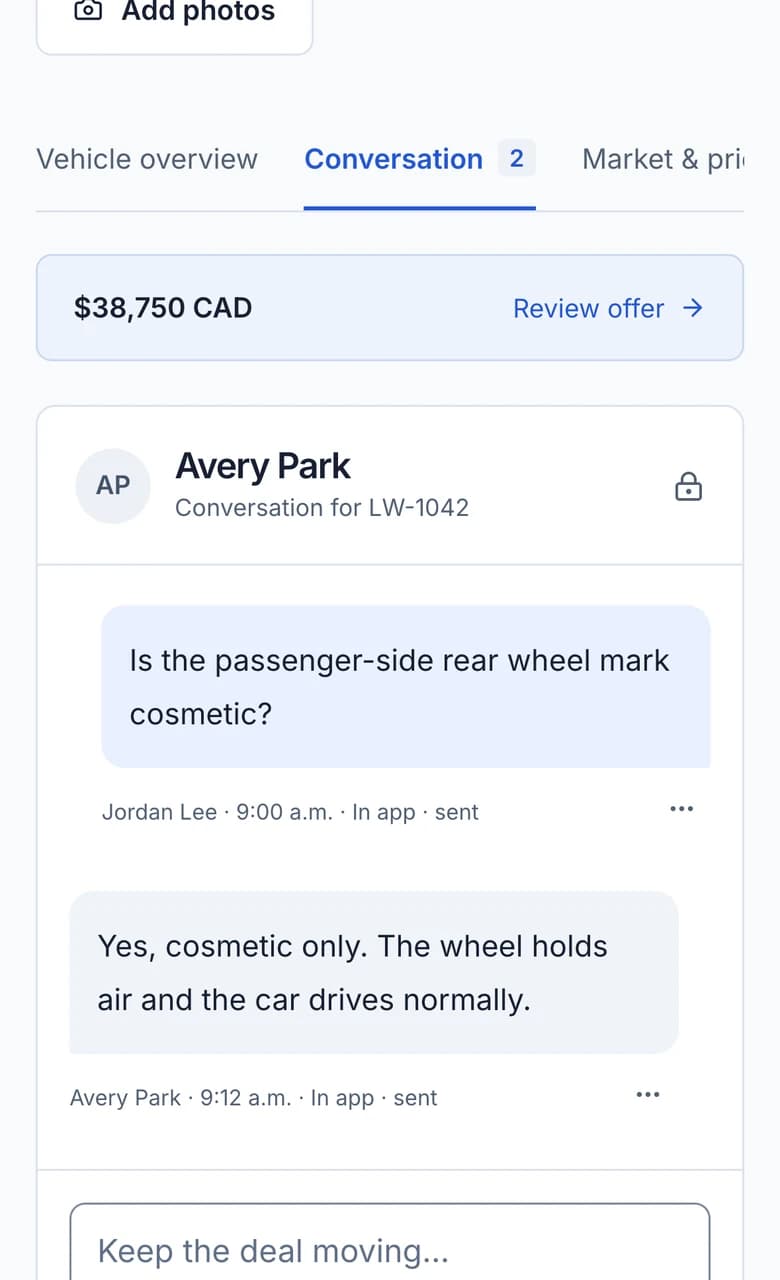
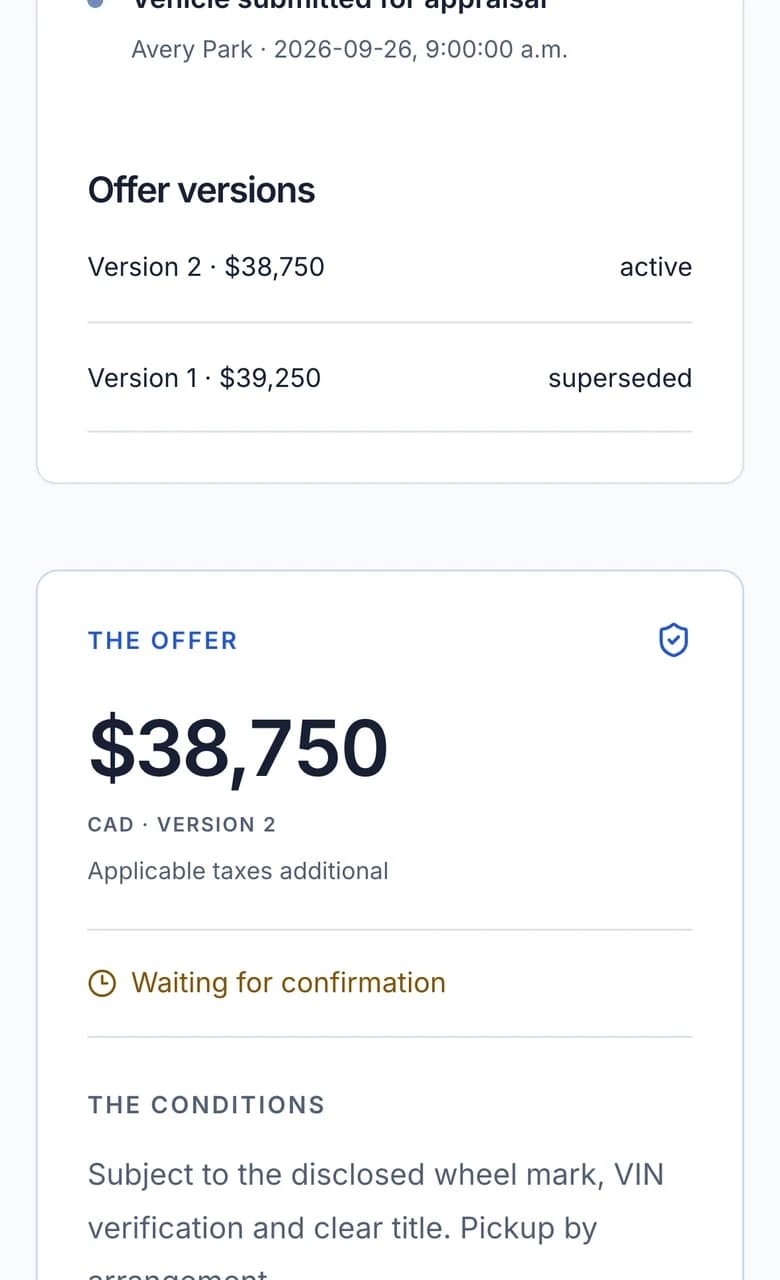
See the current offer and earlier versions before you respond. Lotwire records who has confirmed the active terms.
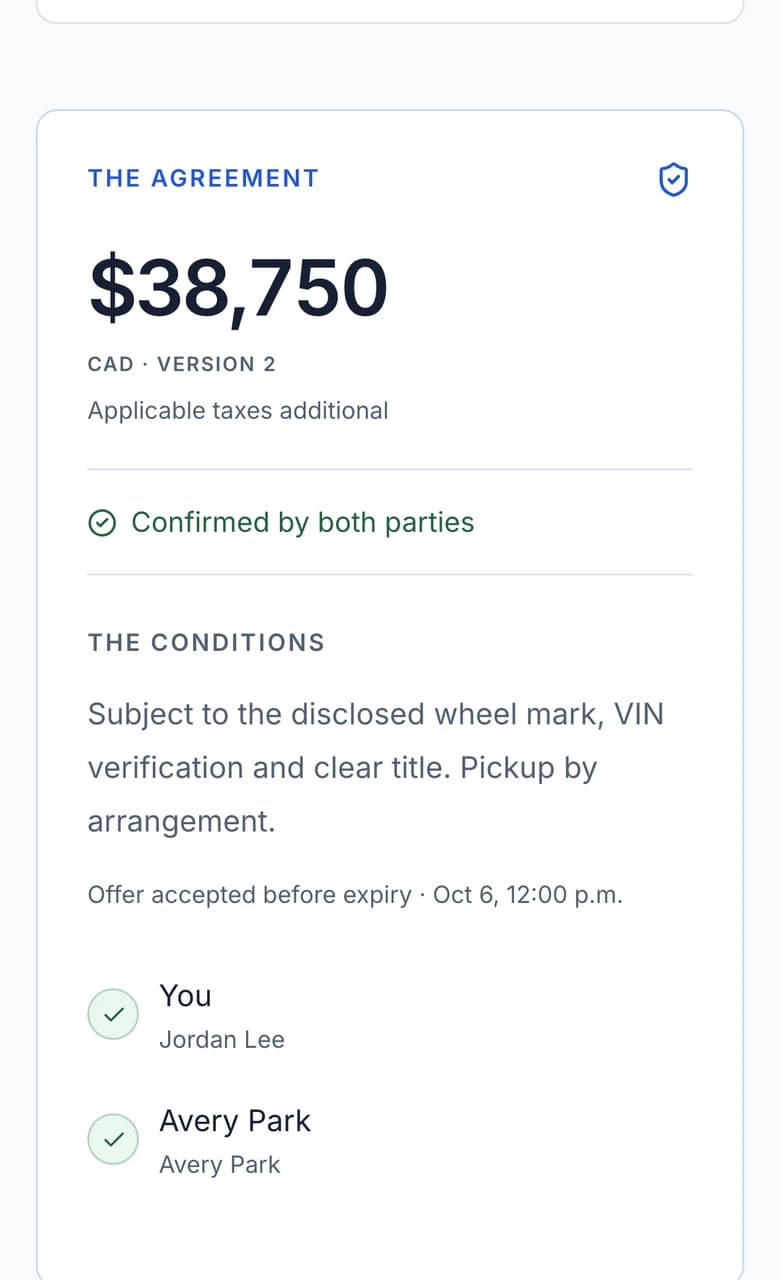
Each participant can review the same vehicle, price, and conditions before recording their confirmation.
Your draft stays private until you choose to share it with a contact. Signing in alone does not share a vehicle.
No. Lotwire works in your phone or computer browser.
No. Lotwire organizes the appraisal, conversation, and negotiated offer between participants.
A draft remains private until its owner deliberately shares it with a contact.
Sign in to save the appraisal to your account. Signing in alone does not share the vehicle or message anyone.
Begin privately. Sign in when you are ready to save or share.